Trusted by Auto Related Businesses


Focus on Your Business, Not Your SEO
As a dedicated automotive SEO agency, we understand the challenges auto shop owners face. You're experts at fixing cars, not navigating the complexities of digital marketing. That's where we come in.
Turn Visitors into Customers
Our marketing services attract qualified traffic and convert them into loyal customers for your shop.
No SEO Knowledge Required
Our team of SEO experts handles everything - from strategy to implementation to reporting.
Proven Results
90-day performance promise. If we don't improve your rankings, we work for free until we do.
Everything You Need
Our marketing services are designed to attract more web visitors and ultimately leads for your auto shop business.
Marketing Services
Completely turn-key marketing service where our team of experts handle everything needed for your website and digital marketing.
SEO Audit & Review
Detailed technical audit of your auto shop's website and competitors to identify growth opportunities.
Keyword Research
Focused keyword research identifying relevant, high-volume, low-competition keywords to drive traffic.
On/Off-page Optimization
Expert on-page and off-page SEO optimization including all content writing and technical implementations.
We Serve All Types of Auto Shops
From repair shops to detailing, we have experience working with a wide range of automotive businesses.
How It Works
Our simple 4-step process gets your auto shop online and growing in just 2 weeks.
Request Free Strategy Call
Choose your preferred plan and book a convenient time. We'll discuss your business and answer your questions.
Payment & Questionnaire
Complete payment and answer questions about your business, competition, and SEO goals.
Research & Setup
We research your business and competition, identify keyword opportunities, and set up SEO tools.
Campaign Launched!
Your SEO campaign goes live with on-page and off-page strategies, plus weekly and monthly reporting.
Proven Results for Auto Shops
Our clients see real, measurable growth in their online presence and customer acquisition.
Average Traffic Increase
Within first 6 months
More Qualified Leads
Compared to before SEO
Local Search Rankings
For target keywords
Client Success Stories
Real results from real auto shops. See how our marketing services transformed their businesses.
Auto Repair Shop • Los Angeles, CA
From Invisible to #1 in Local Search
Organic Traffic Growth
From 450 to 1,742 monthly visitors in 8 months
Lead Generation
From 12 to 54 qualified leads per month
Local Search Rankings
For "auto repair Los Angeles" and 15+ key terms
"Before Auto Shop Digital, we were barely getting any calls from our website. Now we're booked solid two weeks out. The ROI has been incredible - we've more than tripled our revenue from online leads."
— Mike Rodriguez
Owner, Rodriguez Auto Repair
Before & After Snapshot
BEFORE
Page 4
Google Rankings
AFTER
Page 1
Google Rankings
BEFORE
450
Monthly Visitors
AFTER
1,742
Monthly Visitors
BEFORE
12
Leads/Month
AFTER
54
Leads/Month
Before & After Snapshot
BEFORE
Not Ranked
Google Maps
AFTER
Top 3
Google Maps
BEFORE
8
Phone Calls/Week
AFTER
47
Phone Calls/Week
BEFORE
2.1
Star Rating
AFTER
4.8
Star Rating
Auto Body Shop • San Diego, CA
Dominating Local Competition
Phone Call Volume
From 8 to 47 calls per week from Google
Google Maps Position
Outranking 50+ competitors in the area
Google Business Reviews
Improved from 2.1 to 4.8 star rating
"We were struggling to compete with bigger shops in our area. Auto Shop Digital not only improved our rankings but helped us build a strong online reputation. We're now the go-to body shop in San Diego."
— Sarah Chen
Owner, Precision Auto Body
Transmission Shop • Phoenix, AZ
220% Revenue Growth
220%
Revenue increase in 12 months
1,200+
Monthly website visitors
"Best investment we've made. Our phone doesn't stop ringing."
— Tom Martinez
Brake Shop • Seattle, WA
From Zero to Hero
#1
For "brake repair Seattle"
6x
More online bookings
"We went from invisible to the top result. Game changer."
— James Wilson
Detail Shop • Miami, FL
Luxury Market Leader
340%
Increase in premium bookings
$180K
Additional annual revenue
"Now attracting high-end clients who pay premium prices."
— Lisa Anderson
Transparent Pricing
No hidden fees. No setup costs. 90-day money-back guarantee. Choose the tier that fits your goals.
Most Popular
Marketing Programs
3 tiers designed for shops at every stage of growth
Complete SEO audit and competitive analysis
Comprehensive keyword research and strategy
On-page and off-page SEO optimization
All content writing and technical implementation
Google Business Profile optimization
Weekly and monthly performance reporting
90-day performance guarantee
No setup fees or hidden charges
Why Auto Shops Choose Us Over Competitors
We're not just another marketing agency. Here's what makes Auto Shop Digital different from the rest.
No Setup Fees
Start immediately with zero upfront costs. Competitors charge $1,000-$3,000 in setup fees—we don't.
Save $1,000-$3,000
90-Day Guarantee
Not satisfied? Get 100% of your money back. Most agencies won't offer this because they're not confident.
Zero risk to you
Industry Specialization
Dedicated strategies for brake shops, tire shops, transmission—not generic automotive marketing.
Better results, faster
Transparent Pricing
Clear 4-tier structure. No confusing 5+ tier systems. Know exactly what you're paying and what you get.
No surprises
Month-to-Month
No long-term contracts. Cancel anytime with 30 days notice. We earn your business every month.
Total flexibility
California-Based
West Coast headquarters with local market expertise. Not an East Coast agency 3 timezones away.
Local advantage
What Our Clients Say
Don't just take our word for it. See what auto shop owners are saying about our services.
"We hired Auto Shop Digital in November to help more people find our shop on Google, they laid out a clear plan and handled the SEO so we didn't have to keep up with it. About two months in, we started getting more calls and more website traffic."
Sean Collins
1 review
a month ago
"We've been here for years, but as the neighborhood changed, we weren't getting the new folks. The team at Auto Shop Digital helped us shake up our Google Maps, and now we're seeing a steady stream of new local customers. It's been a game-changer."
Vannessa
5 reviews
5 days ago
"Auto Shop Digital has been great to work with. They fixed up our website and our Google Business Profile, and helped us show up better in local searches. They also helped us focus on the searches that bring in real customers. We're really happy with the results."
Luke Cooper
1 review
a month ago
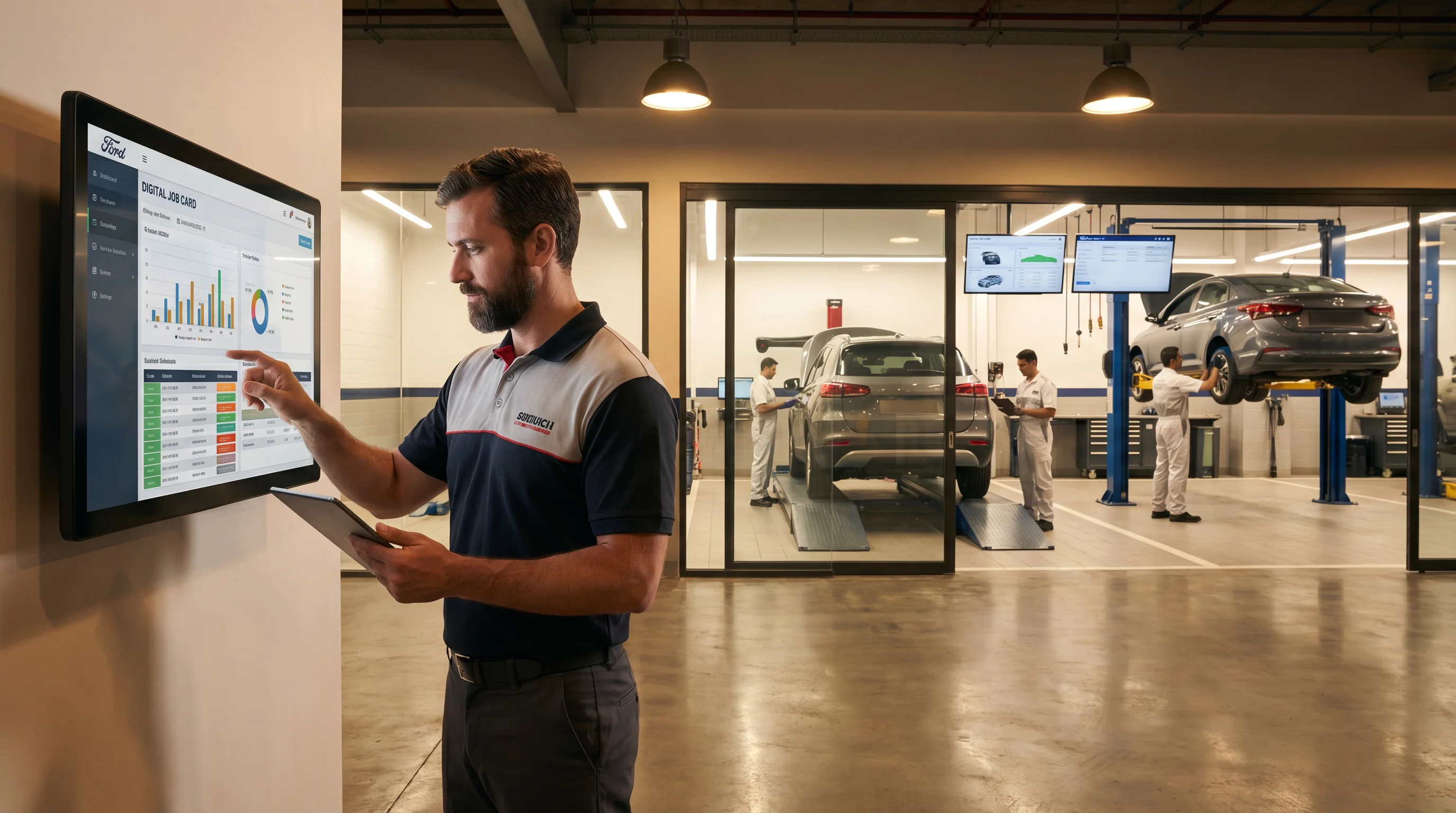
April 2026 · Daniel Harman
Software for Garages: Complete Guide to Choosing and Using Garage Management Systems
Discover how to choose, implement, and measure ROI from garage management software in 2026. From AI scheduling to inventory automation, this guide covers everything independent workshops and multi-location groups need to know.
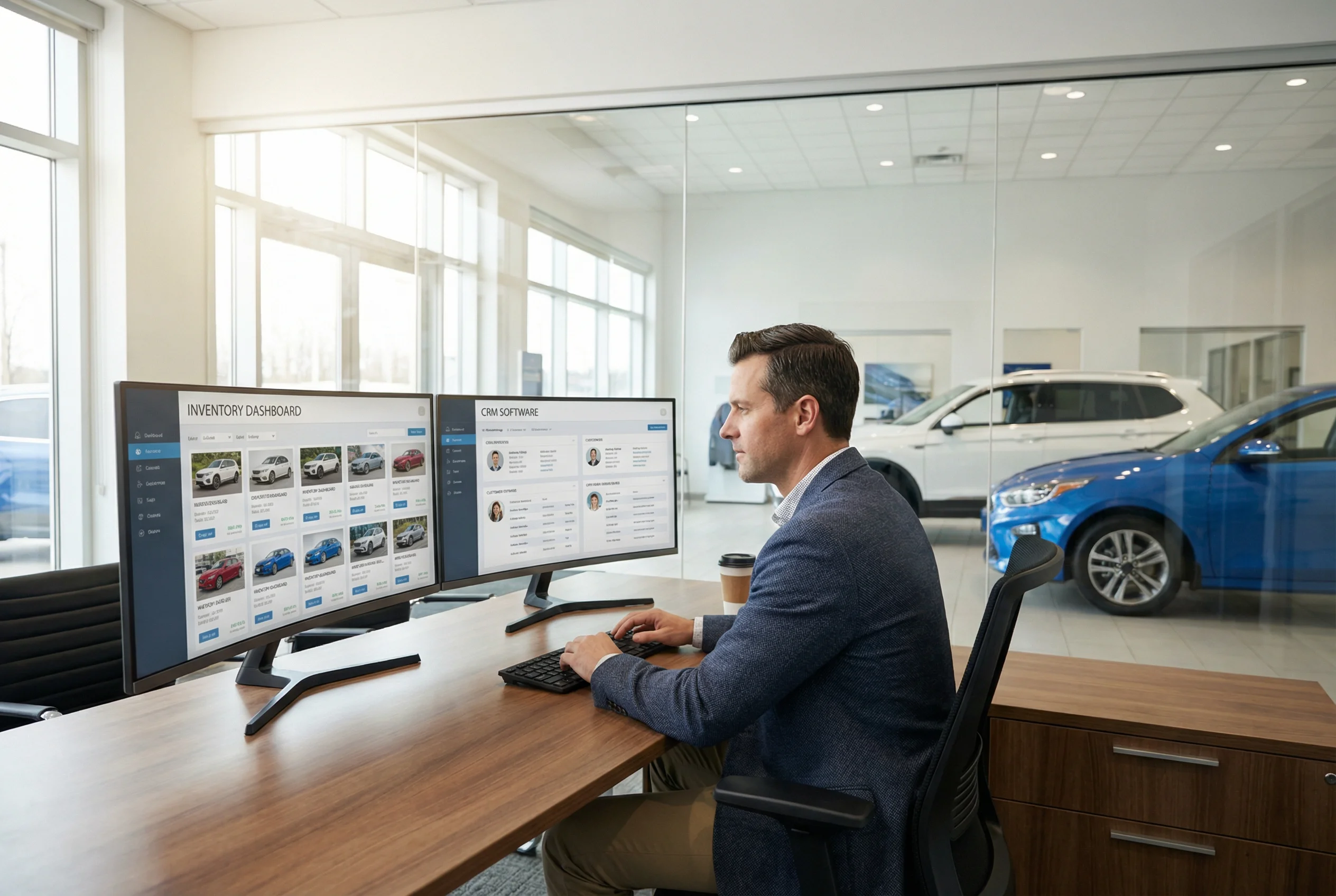
April 2026 · Daniel Harman
Transform Your AutoDealer Digital Revenue Without Complex Technology
Discover how autodealer digital platforms automate inventory listings, integrate CRM source tracking, and provide transparent ROI dashboards to help dealerships generate more qualified leads.
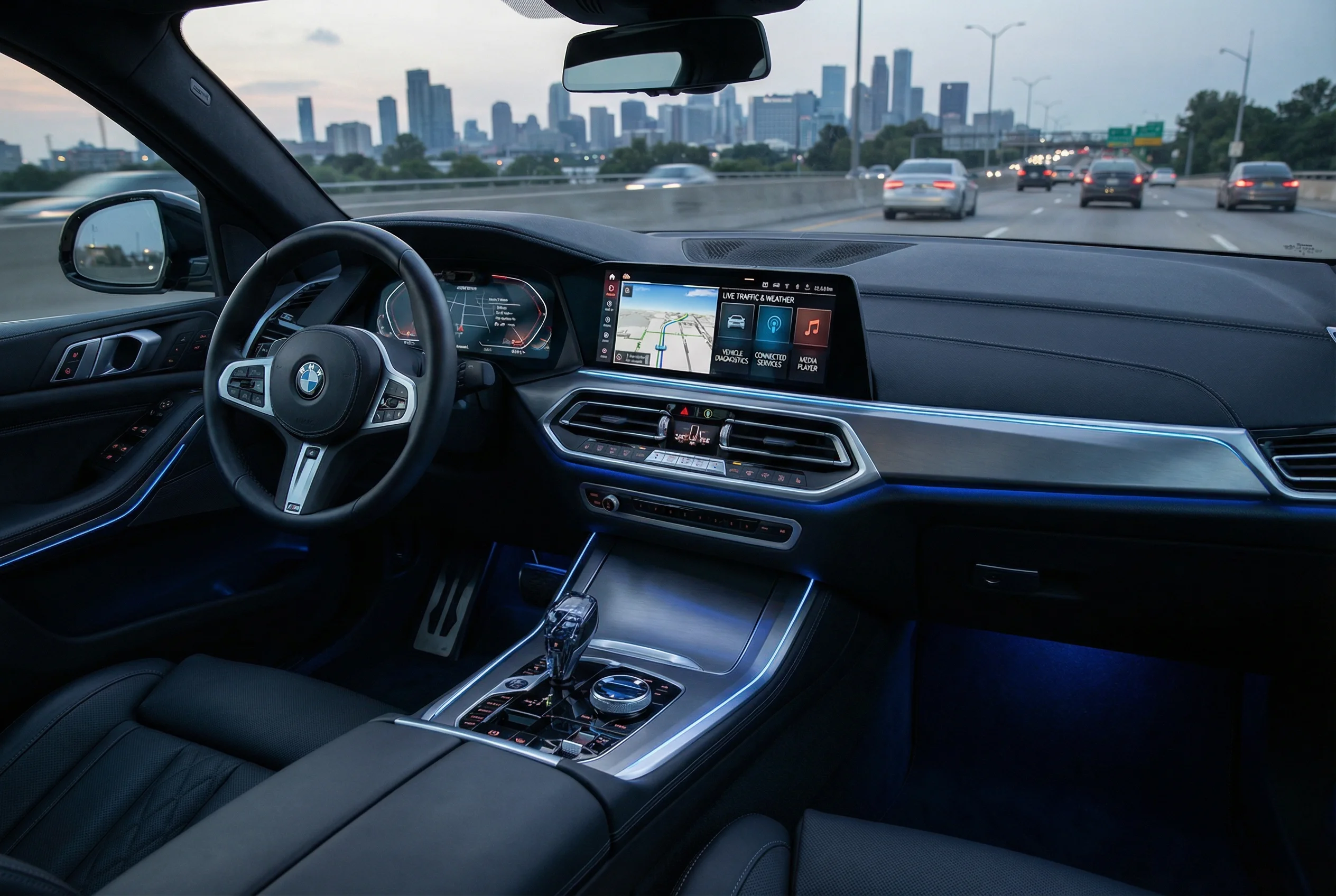
April 2026 · Daniel Harman
Automotive Digital Services: Your Complete Guide to the Connected Vehicle Revolution
Explore the full landscape of automotive digital services—from remote diagnostics and OTA updates to digital retailing and AI-driven marketing—and what they mean for dealers and independent shops.
Ready to Grow Your Auto Shop?
Join hundreds of successful auto shop owners who trust Auto Shop Digital to handle their SEO and drive more customers through their doors.
No commitment required • Free strategy call • 90-day guarantee