TL;DR
Vehicle repair software in 2026 centralizes diagnostics, shop management, and customer communication into one platform, replacing disconnected apps and paper-based workflows. The best solutions combine repair information (wiring diagrams, OEM procedures, labor guides) with digital vehicle inspections, estimates, invoices, and integrated payments. Choosing the right software depends on shop size, budget, and how quickly your team can adopt new workflows. AI features like automated call-handling and smart maintenance recommendations are now mainstream differentiators.
Key Takeaways
- Modern vehicle repair software integrates repair orders, scheduling, DVIs, invoicing, payments, and customer communication into a single platform
- AI features including automated call-handling and predictive maintenance recommendations are now standard in leading platforms
- Cloud-based solutions provide real-time visibility for multi-location operations and mobile mechanics
- Typical pricing ranges from under $100/month for solo mechanics to $500+/month for multi-bay operations
- Implementation should be phased over 90 days, with core workflows live in weeks 1–4 and advanced features layered in through week 12
About Vehicle Repair Software
What Does Vehicle Repair Software Do?
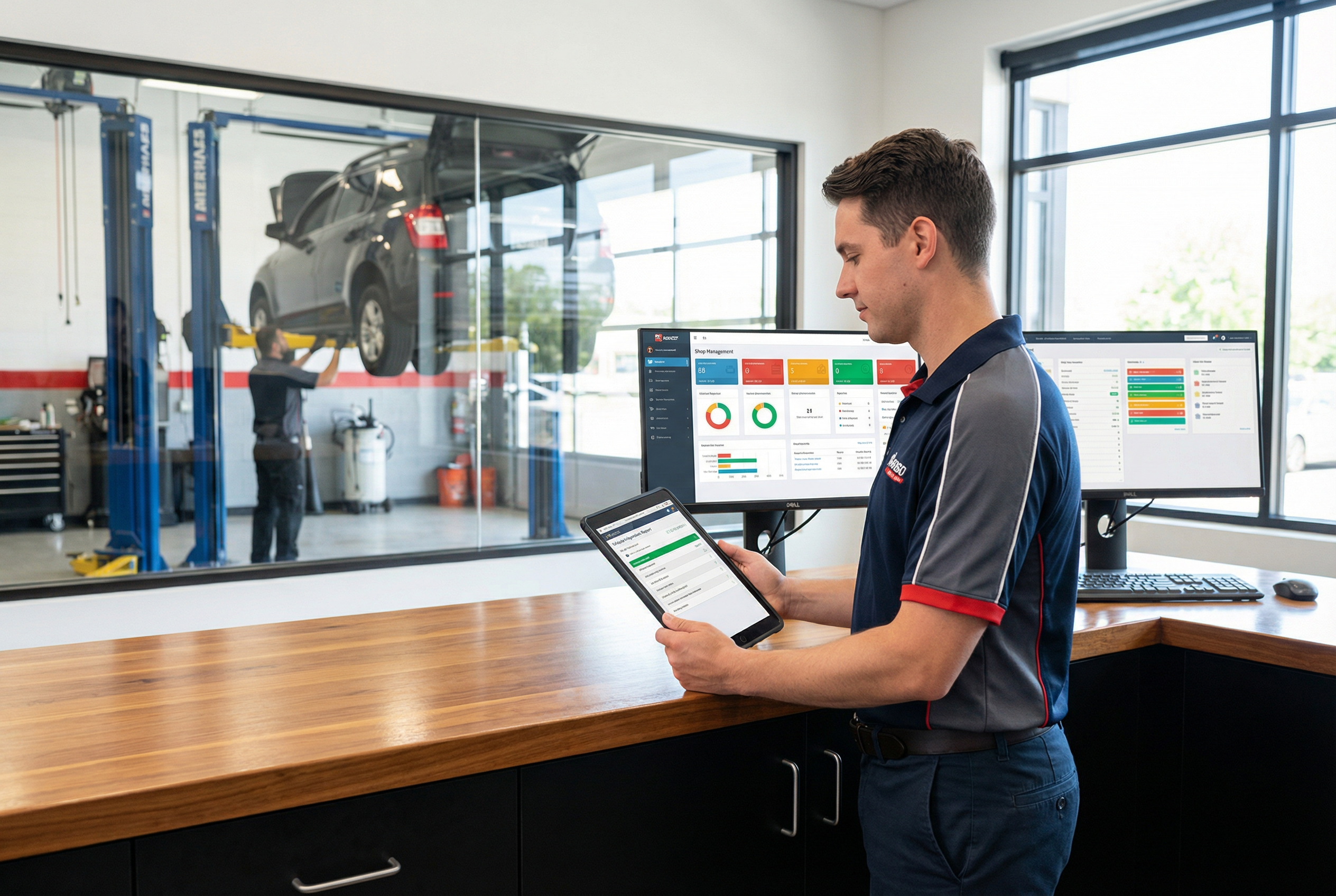
Auto repair shop management software integrates daily operations into a single platform, allowing teams to manage jobs from estimate to payment without relying on disconnected tools. This means you can handle repair orders, digital vehicle inspections, scheduling, invoicing, payments, and customer communication all in one place.
The Shift to Integrated Platforms
Vehicle repair software in 2026 represents a fundamental shift from legacy point solutions toward integrated platforms. These systems combine shop management functionality, diagnostics data, and customer-facing tools into unified ecosystems used by independent repair shops, mobile mechanics, small dealer service centers, and especially auto shop owners seeking to streamline operations and grow their business.
Compared to 2015–2020 tools, current platforms typically include:
- Repair info libraries with millions of technician-verified fixes
- OEM-style procedures, labor guides, and wiring diagrams
- Integrated communication via SMS, email, and online booking
- Digital solutions for managing clients, generating electronic estimates and invoices, and seamless digital communication
- Support for combustion, hybrid, and full EV vehicles, with coverage spanning model years from approximately 1996–2026
Centralized software replaces paper ROs, whiteboards, and disconnected applications. For example, a 5-bay shop that moved off spreadsheets in 2024–2025 gained real-time visibility into technician workload, eliminated lost repair orders, and reduced average check-in time by capturing vehicle history digitally at drop-off.
Top Vehicle Repair Software Solutions and Standout Features
For shop owners and managers seeking specific recommendations, here's a summary of leading vehicle repair software platforms and their standout features:
| Software Solution | Standout Features | Best For |
|---|---|---|
| Garage360 | Lightning-fast repair order building, robust digital vehicle inspections, intuitive workflow | Independent shops |
| Tekmetric | Multi-location support, data-driven dashboards, standardized workflows | Multi-location operations |
| Mitchell 1 Manager SE | Deep integration with Mitchell's ProDemand repair data, comprehensive shop management | Shops needing advanced repair data |
| ALLDATA Manage Online | OEM-sourced repair data and diagrams, cloud-based access | Shops relying on OEM repair info |
| Shop-Ware | Customer portal for line-by-line mobile approvals, modern interface | Customer-centric shops |
| AutoLeap | AI receptionist for 24/7 customer capture, complete shop management, automated reminders | Shops seeking automation and communication |
| ARI (Auto Repair Invoicing) | Customizable invoices, multi-tax/payment options, unlimited vehicle records, VIN decoder, inventory, client management | Small to mid-size shops, mobile mechanics |
| Shopmonkey | Polished digital communication, smooth estimate-to-approval flows, integrated payments | Shops prioritizing customer experience |
| Identifix (Direct-Hit) | 3M+ technician-confirmed fixes, OEM manuals, wiring diagrams, labor guides | Shops needing deep repair info and diagnostics |
Types of Auto Repair Software
Different types of auto repair software exist to address the unique challenges and workflows of modern auto shops. Understanding these categories helps you choose the right combination for your business needs.
Shop Management Software
Shop management software is the foundation of any successful auto repair business. It handles repair orders, scheduling, workflow management, and technician assignment. These tools give service advisors and shop managers a real-time view of every job in the building.
Repair Information Systems
Repair information systems give technicians access to OEM-sourced procedures, wiring diagrams, labor guides, and technician-verified fixes. Key capabilities include:
- Search by VIN, license plate, or year/make/model
- Access troubleshooting trees, TSB-style notes, and confirmed fixes
- View EV and hybrid coverage, including battery service procedures and high-voltage safety steps
- Scan tool codes mapping directly to suggested tests or known issues
Fast access to repair info turns previously declined jobs into profitable work the shop can keep in-house.
Digital Vehicle Inspections (DVIs) and Customer Communication
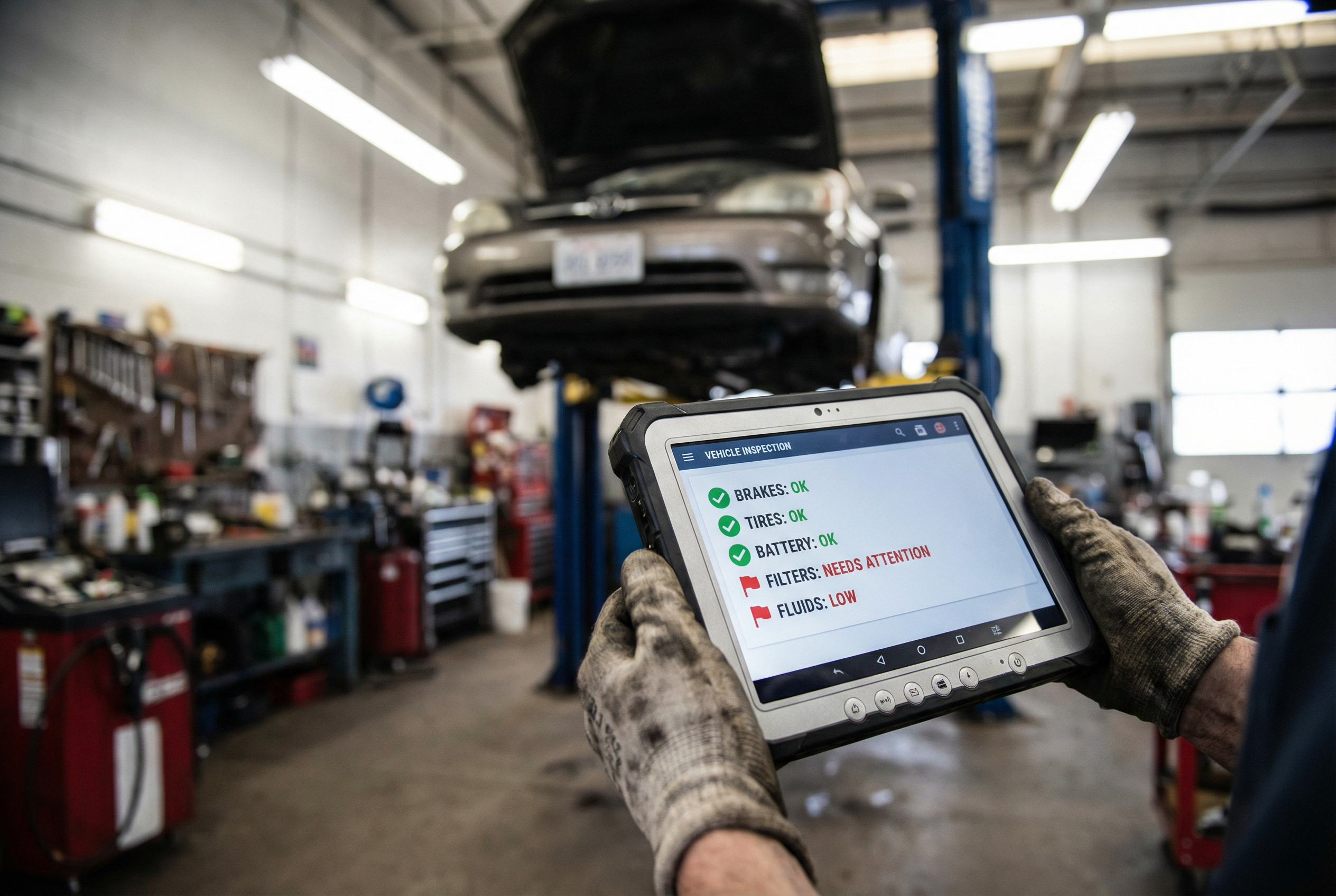
Digital vehicle inspections let technicians attach photos and videos of worn parts, fluid conditions, and fault codes, then share inspection results via SMS or email for customer approval. A well-designed DVI flow increases trust and approval rates. Shops commonly see average approval rising from approximately 50% to 70%+ after adoption—a direct impact on revenue.
Communication features that bring customers back include:
- Two-way texting for quick approvals
- Automated appointment reminders
- Follow-ups for declined work
- Service reminders triggered by mileage or time intervals
Parts, Inventory, and Vendor Integrations
Inventory and parts ordering dramatically affect margins, especially for shops doing high volume or tire sales. Typical capabilities include:
- Real-time parts availability checks
- Electronic ordering from preferred parts suppliers
- Automatic markup application
- Minimum stock level tracking
- Kit or package building (e.g., "60,000-mile service for 2019 Toyota RAV4")
Integration with major suppliers and tire distributors is now standard expectation. Proper inventory control prevents both stock-outs and excess capital tied up in slow-moving parts.
Payments, Invoicing, and Accounting Connectivity
Modern repair software includes built-in invoicing with multiple payment options: cash, cards, tap-to-pay, financing links, and pay-from-text capabilities. Shops that previously closed books days later now complete daily reconciliations in under 30 minutes with proper integration.
AI Features and Automation Emerging by 2026
From 2023 onward, AI moved into practical applications. AI receptionists now answer calls, book appointments, and capture caller details 24/7 for busy shops. AI assistance inside the software includes:
- Suggested maintenance packages based on vehicle history
- Predictive recommendations by mileage and age
- Smart message templates for customer communication
- Call transcription and tagging for tracking missed opportunities
Evaluate AI features by real business impact: time saved and revenue gained, not novelty.
Cloud-Based Auto Repair Software Solutions
Cloud-based platforms provide shop owners with access from any device, anywhere, without maintaining local servers. For multi-location operations, cloud architecture enables real-time comparison of performance across sites. Mobile mechanics benefit from tablet and smartphone access to repair orders and customer communication without returning to a fixed location.
Key advantages of cloud-based solutions:
- Automatic updates without manual IT maintenance
- Real-time data sync across locations and devices
- Reduced hardware investment compared to server-based systems
- Vendor-managed security, backups, and uptime
How to Select the Right Vehicle Repair Software
Match the Software to Your Shop Profile
A solo mobile mechanic has fundamentally different needs than a 12-bay dealer service center. Evaluate platforms against your actual workflow, not a theoretical ideal. Consider:
- Number of bays and technicians
- Volume of jobs per week
- Whether you have multiple locations
- Your current pain points (scheduling chaos, lost repair orders, low approval rates)
Evaluate Integration Quality
The best software connects cleanly with your existing tools. Verify that integrations with your preferred parts suppliers, accounting software, and payment processor work reliably—not just in demos, but in real daily use. Data should flow cleanly: customer and vehicle info syncing one direction, payments and invoices the other, without constant exports and imports.
Be Realistic About Budget and Total Value
Typical per-location pricing in 2026 ranges from entry-level options under $100/month for solo mechanics to $500+ monthly for established multi-bay operations with advanced needs. Compare not just monthly fees but also:
- Onboarding and training costs
- Hardware (tablets, payment terminals)
- Payment processing markups
- Data migration support
A slightly higher-priced system that increases technician productivity or approval rates delivers better ROI within months. If ARO rises even $50 and car count holds steady, the software pays for itself quickly.
Implementing Vehicle Repair Software: First 90 Days
Implementation should be phased, focusing on quick wins that technicians and advisors feel immediately—faster estimates, clearer repair orders.
A practical approach:
- Weeks 1–2: Setup and data migration
- Weeks 3–4: Live use of core workflows
- Weeks 5–8: Layer in DVIs, reminders, detailed reporting
- Weeks 9–12: Optimize and measure against goals
Set 2–3 measurable goals: increasing approvals, reducing check-in time, or capturing more complete vehicle history. Daily or weekly check-ins during the first month capture issues early. Document new standard operating procedures so new technicians joining in 2026 and beyond can ramp up quickly.
Pricing Expectations for Vehicle Repair Software in 2026
Pricing varies by feature depth, users, and whether platforms include built-in payments or AI capabilities. Common models include:
- Per-location monthly subscriptions
- Per-user pricing
- Tiered plans with add-ons (advanced reporting, DVIs)
Lightweight, mobile-first tools for solo operations cost significantly less than full-featured platforms for 6+ bay shops. The range spans approximately $20/month for basic tools to $200+/month for comprehensive solutions. Factor payment processing fees and text messaging costs into total cost of ownership.
The Role of Marketing Alongside Software
Vehicle repair software improves operational efficiency, but it works best when paired with a strong marketing strategy to keep your bays full. A well-optimized Google Business Profile [blocked] and consistent local SEO [blocked] ensure that when customers search for repair shops near them, your business appears prominently. For a deeper look at marketing strategies that complement shop management improvements, see our guides on auto repair shop marketing [blocked] and automotive content marketing [blocked].
Frequently Asked Questions
Do I need vehicle repair software if my shop is only one or two people?
Even a small operation benefits from simple scheduling, digital estimates, and basic reporting. Lightweight tools exist that won't overwhelm a small team. The goal isn't complexity but removing manual tasks like handwriting invoices or hunting through paper files—tasks that matter even with low car counts.
How long does it typically take a shop to fully adopt new vehicle repair software?
Many independent shops go live with core workflows in 2–4 weeks. Full adoption of advanced features like DVIs and in-depth reporting often takes 60–90 days. Timeline depends on staff size, willingness to change, and how structured the vendor's onboarding process is.
Can vehicle repair software work if my internet connection is unreliable?
Most modern platforms are cloud-based, so stable internet is strongly recommended. Some offer limited offline modes or desktop components as fallback. Practical mitigations include backup mobile hotspots or choosing a solution with local caching if outages are frequent in your area.
How secure is the customer and vehicle data stored in these systems?
Reputable vendors use encryption in transit and at rest, role-based access, regular backups, and audit logs to protect data. Ask vendors about data residency, backup frequency, and what happens if you choose to leave the platform in the future.
What if my technicians are not comfortable with technology?
Adoption is easier when software has a clean, modern interface and shops roll it out step by step. Involve technicians early, give hands-on training with real jobs, and show how the software saves time on tasks they already dislike—like paperwork and hunting for repair information.
Once your shop operations are running smoothly, the next step is driving more customers through the door. Auto Shop Digital [blocked] offers fully managed local SEO [blocked], Google Business Profile management [blocked], Google Ads management [blocked], and automotive website design [blocked] built specifically for auto repair shops. See also our guide on marketing for auto body shops [blocked] for complementary growth strategies.